After Effects panel · Windows & macOS

The things you do a hundred times a day,
one keystroke away.

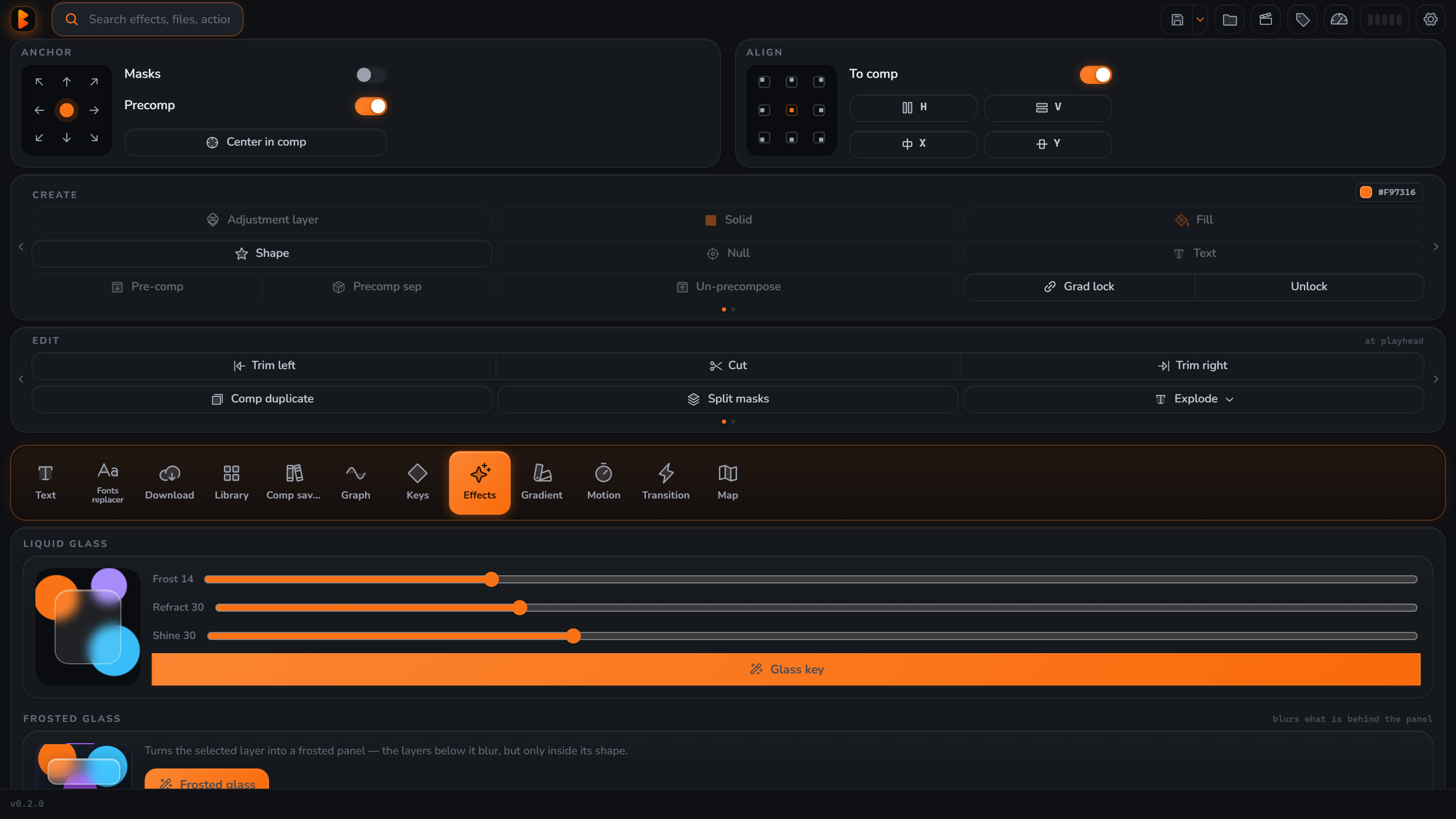
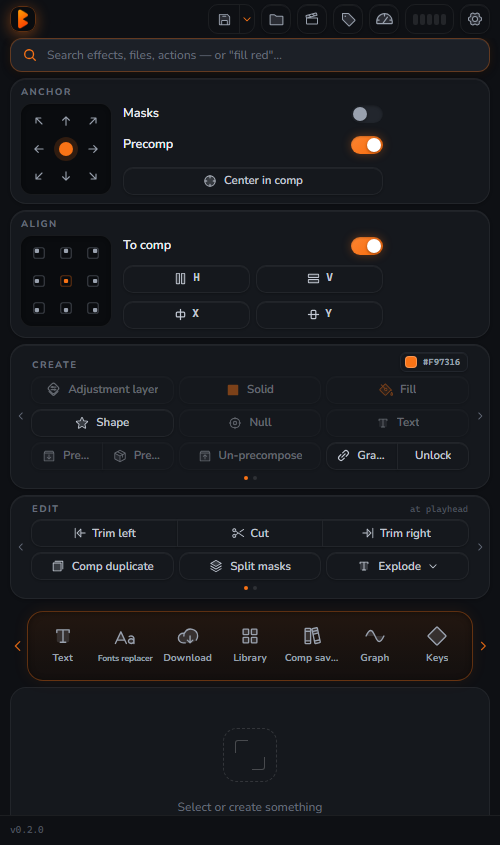
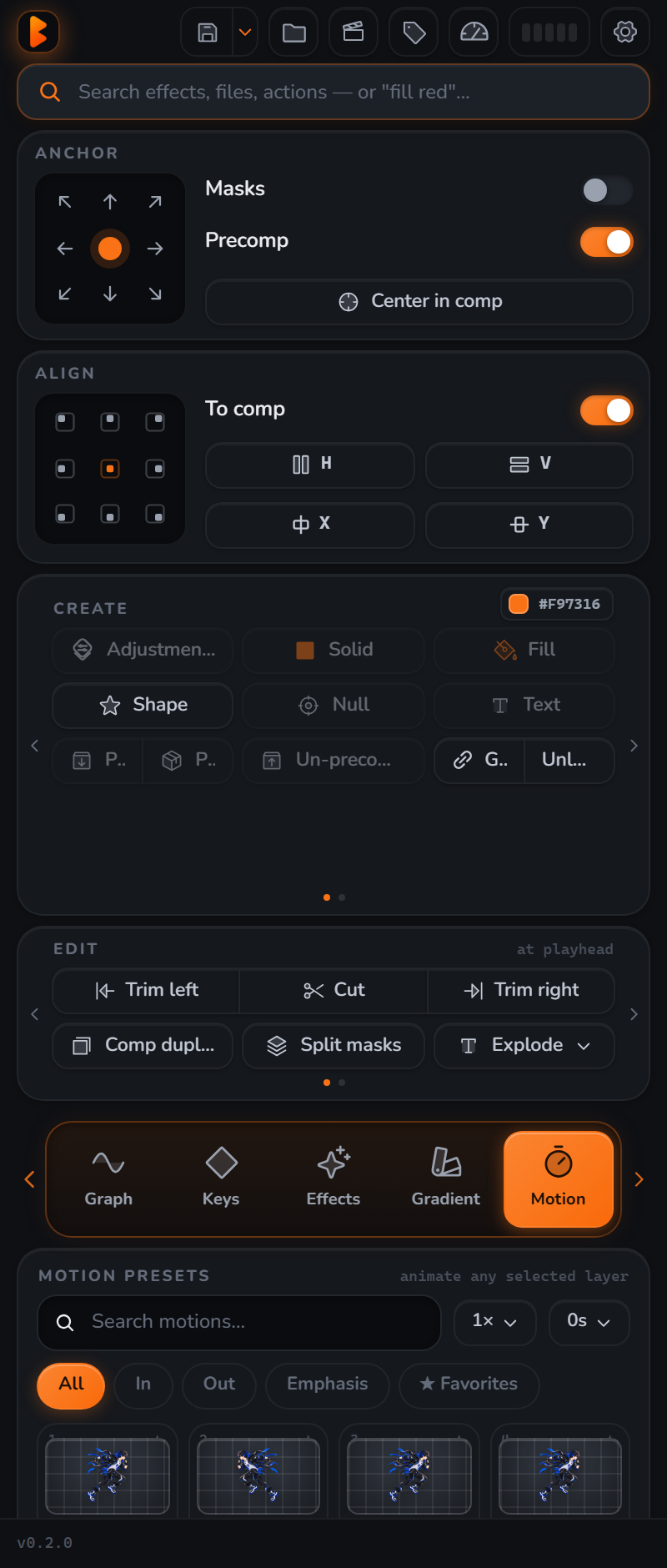
EB is one panel for anchor & align, captions, keyframe easing, motion presets, glass effects, animated maps and your own asset library — without leaving the timeline.

one-time · lifetime license · free updates · 14-day refund
After Effects 2022+ (CEP) Windows + macOS Signed ZXP installer Offline after activation 1 computer per license
One panel, not ten

Everything is a tab, nothing fights for space

The pinned tools stay put. The tab strip pages so adding a feature never parks another one.

Anchor & Align

9-point anchor that understands masks and pre-comps, center-in-comp, distribute — one click each.

T

Text & Captions

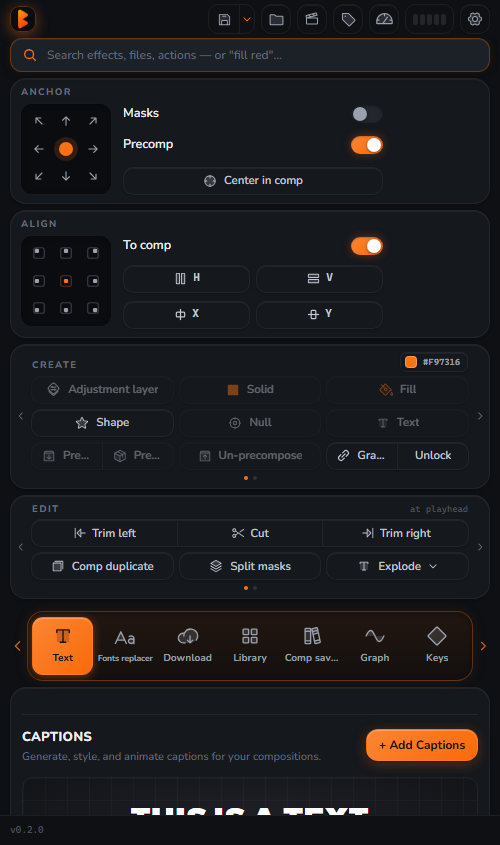
Auto-captions from audio, sentence-accurate, translatable, plus 20 viral text presets that scale to any resolution.

Keys & Graph

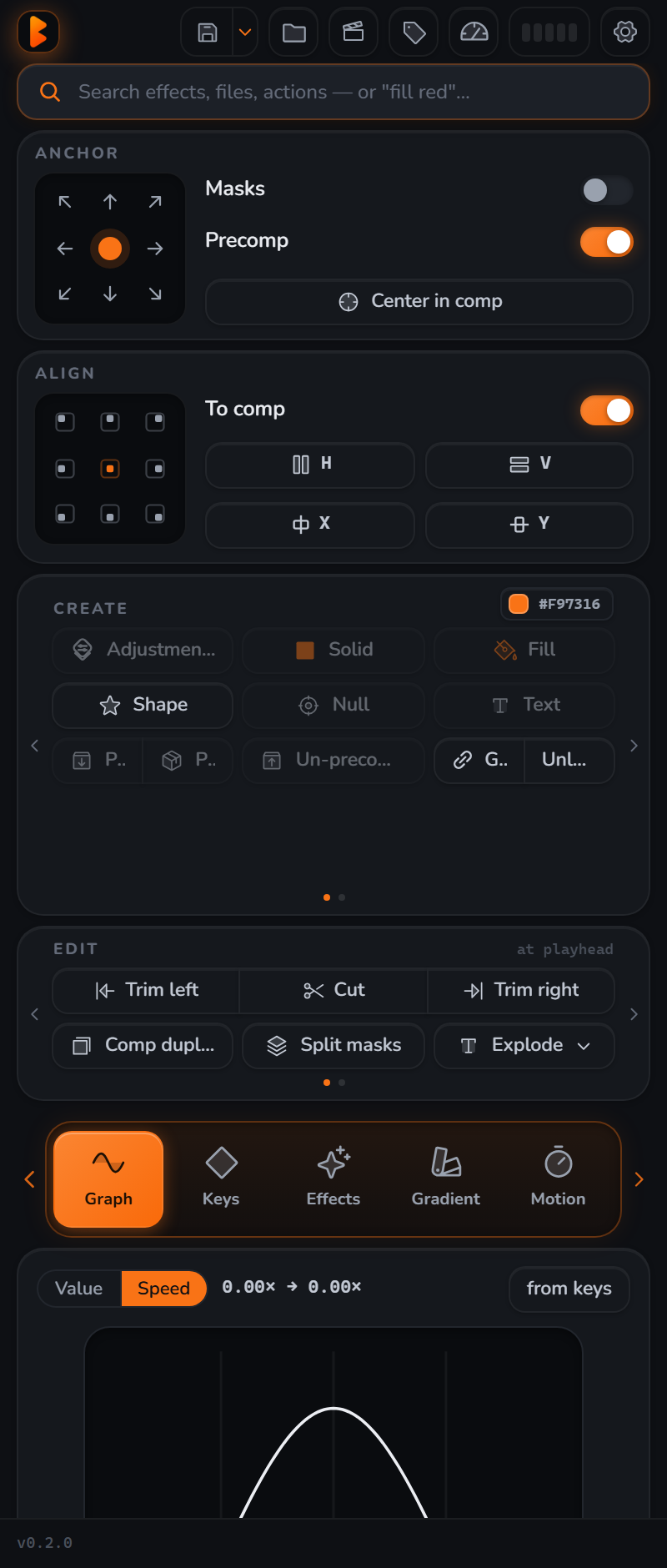
Curve-tile easing, live bounce/elastic controllers, loop & wiggle, stagger with grouping — the shift-F9 move built in.

Motion presets

40 in/out/emphasis presets played by one engine, offsets as a fraction of comp size so they look identical everywhere.

Glass & effects

Apple-style liquid glass — bevel, sheen, real backdrop blur matted to the shape — and a searchable gradient library.

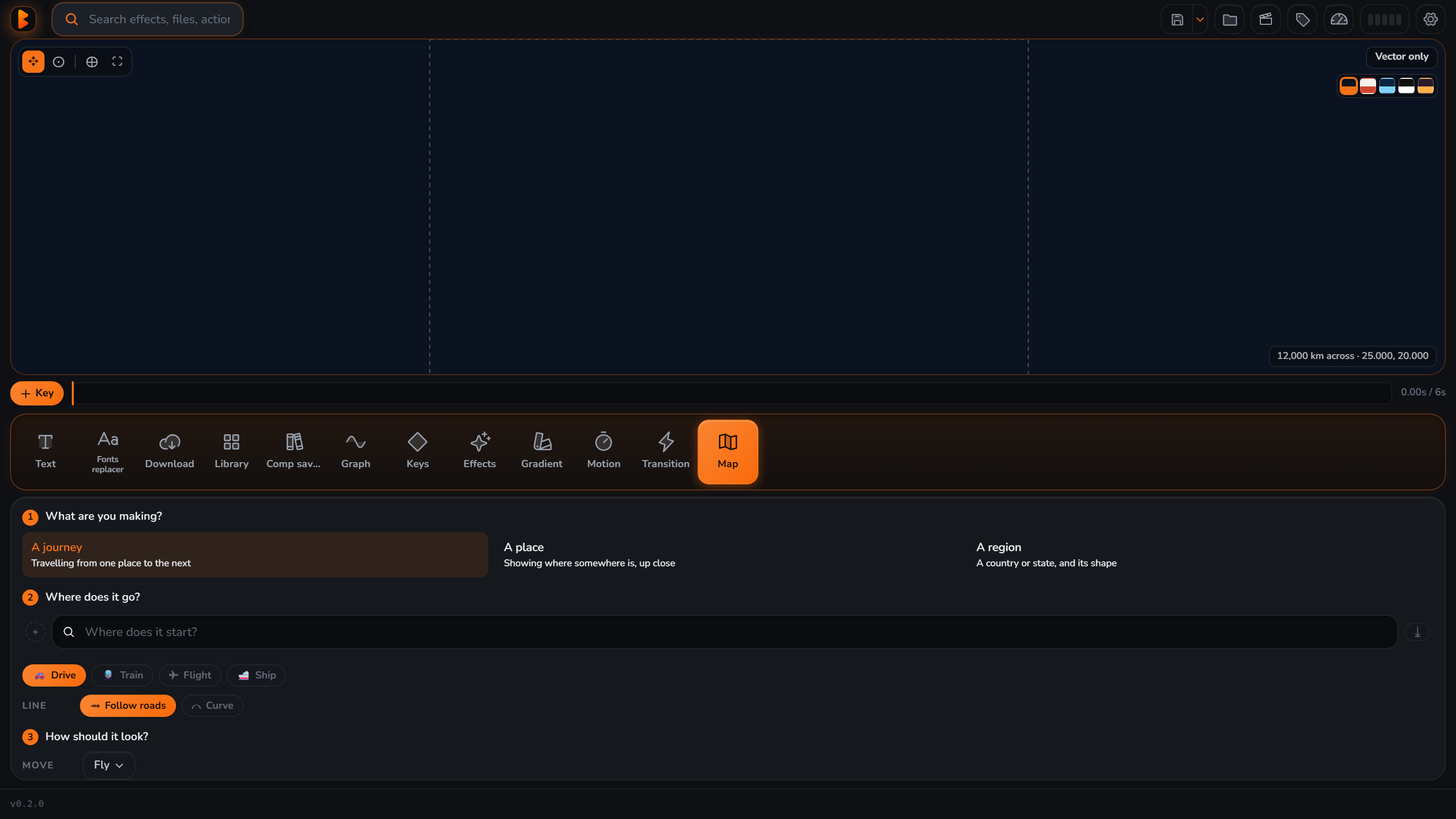
Animated maps

Real Natural Earth data: borders, roads, cities, routes, camera moves — baked keyframes you can retime by hand.

Your asset library

Point shelves at your own folders of shakes, LUTs, overlays, sound — previewed on your own frame, nothing bundled.

Downloads

Paste an image or grab a reference video straight onto the timeline — yt-dlp and ffmpeg install themselves.

Command palette

Ctrl/Cmd-E searches every EB action, every AE effect and every project item — plus "fill red", "solid #hex 20s".

Captions that actually land on the word

One word per segment from the engine, regrouped into sentences so translation reads right and timing is tight. Built in batches so a 10-minute talk doesn't freeze AE.

EB captions panel

The graph editor, without the graph editor

Pick a curve tile. Copy motion between layers. Drop a re-tunable bounce or elastic controller that never touches your keyframed motion.

EB keys and graph panel

Maps from real data, as keyframes

Search a place, pick a camera move, get an outline, a fill and a route on separate layers — labelled, colour-coded, and yours to edit.

EB map tab
Setup takes two minutes

How it works

Buy once

Checkout is handled by Paddle — card or PayPal, tax included, no account needed.

Get your key by email

A license ID and code land in your inbox seconds later, with the installer link.

Activate in the panel

Install the ZXP, open EB in After Effects, paste ID + code in Settings ▸ License. Done — works offline after that.

Pricing

One price. Forever.

$49
one-time · lifetime license
  • Every tab, every feature — no add-ons
  • Licensed for 1 computer — move it any time
  • Free updates for the life of the product
  • Windows & macOS, After Effects 2022+
  • Works fully offline after activation
  • 14-day no-questions refund
Get EB now

Secure checkout by Paddle · card & PayPal · tax included

Questions

FAQ

Is there a free trial?

No — EB needs a license key to run. There is a 14-day no-questions refund instead, so you can buy, try everything properly inside your own projects, and get your money back if it is not for you.

How many machines can I use it on?

One at a time. Moving to another computer takes two clicks: Settings ▸ License ▸ "Deactivate this computer", then activate on the new machine. No email, no waiting.

Is it a subscription?

No. You pay $49 once and it's yours, including every future update. There is no renewal.

Does it need an internet connection?

Only to activate. After that EB works fully offline, with a 14-day grace window if it can't reach the license server.

Windows and Mac?

Both. The ZXP installs on After Effects 2022 or newer on either platform.

What's your refund policy?

14 days, no questions asked. Reply to your receipt or email support.

Does EB send my footage anywhere?

No. Everything runs on your machine. Captions transcription is local; optional translation sends text only, never audio or video, and tells you before it does.